
What appears, and when
Admin pages refresh themselves: live data every 5 seconds, the dashboard every 10 seconds, and analysis pages every 30 seconds. There is also a Refresh button on each page.
Try it yourself
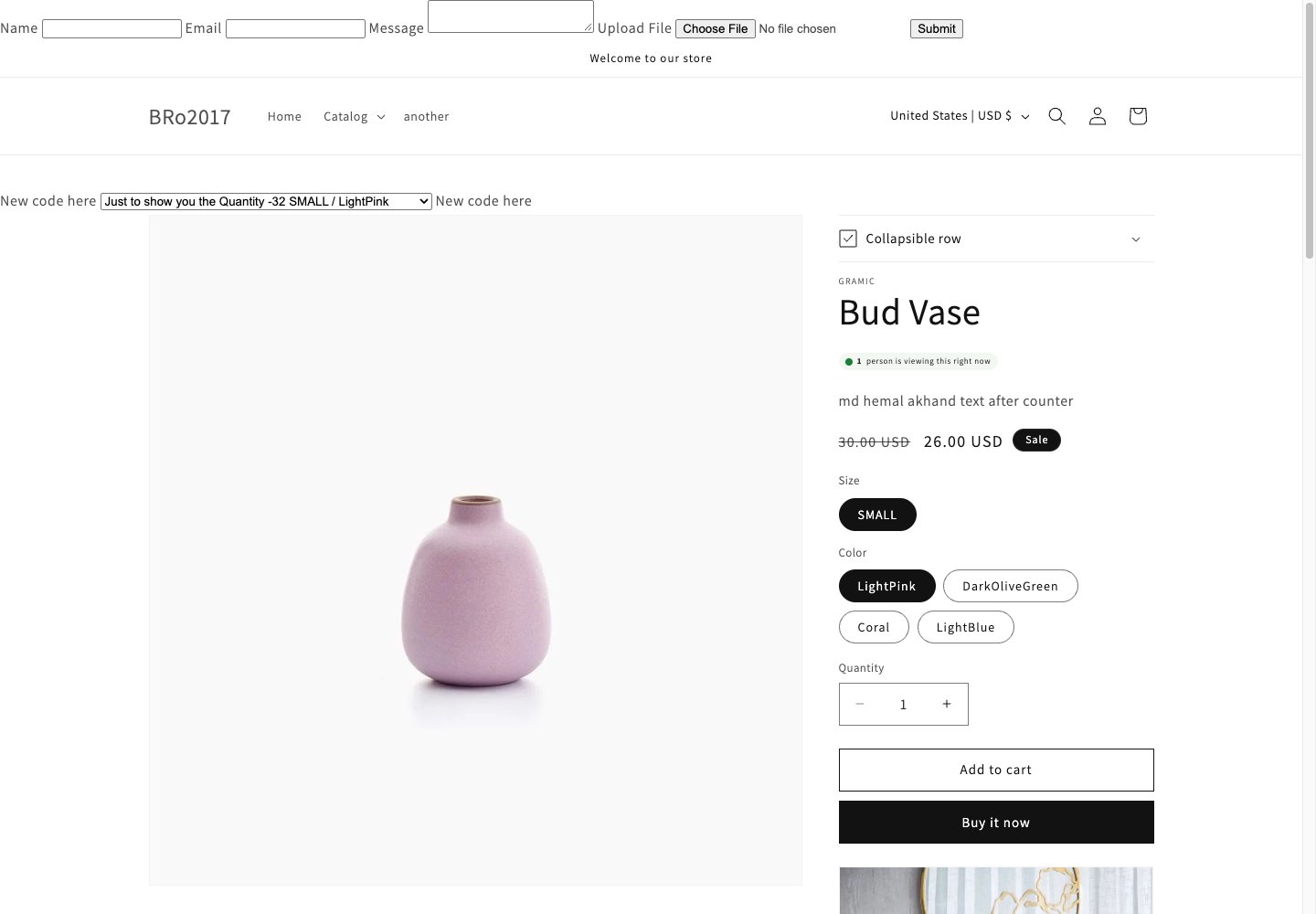
- Open your storefront in a private browser window.
- If a cookie banner appears, accept analytics cookies — without consent, nothing is recorded.
- Open a product page and stay on it for half a minute.
- Open Live Product Insights in another tab. Within a minute you should see the view, and the shopper counted as an active viewer on the Dashboard.
A private window only works as a test shopper if consent is granted inside it — a fresh private window starts without consent. Automated tools and command-line requests are blocked as bot traffic and will not record data.
If nothing appears
Work down this list — it covers almost every “empty dashboard” report:- Is the Product Insights Tracker app embed enabled in your theme?
- Are you testing on a product page? Home pages and collections are not tracked.
- Did the visitor accept analytics consent? No banner on your store? See Theme setup.
- Has at least a minute passed? Views land quickly, but orders can take up to 30 minutes.
- Still nothing? Go to Troubleshooting.