
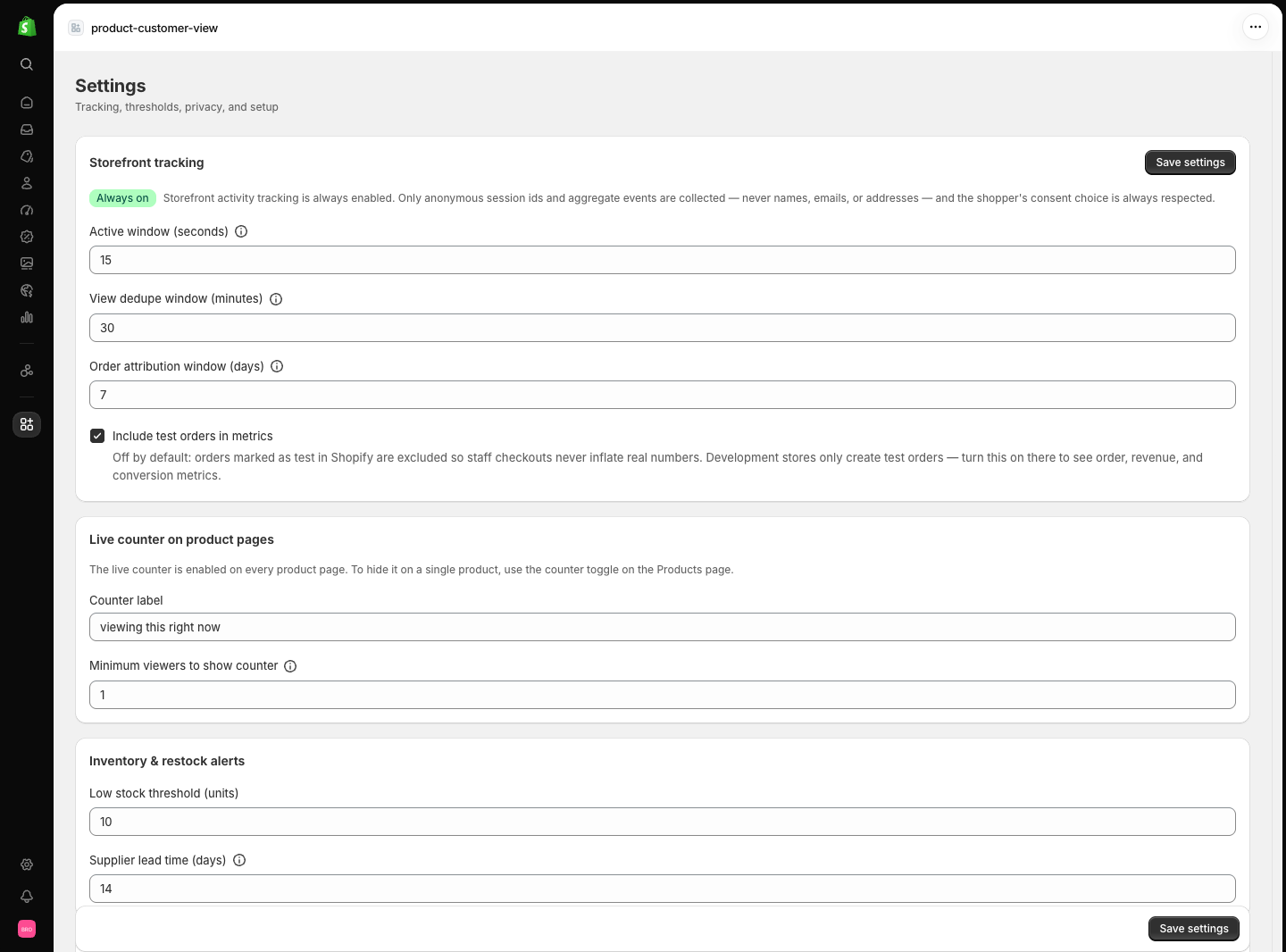
Storefront tracking and the Live View Counter are always on by product design. There is no switch that silently disables measurement — if data or the counter are missing, the cause is setup or consent, not a setting. See Troubleshooting.
Plan & usage
When billing enforcement is active, the top of the page shows a plan card: your current plan, price, cycle dates, and progress bars for the events and storage your plan allows. Without active enforcement the card stays hidden.Storefront tracking
Live counter
Inventory & restock
Data & privacy
Store profile
Other actions on the Settings page
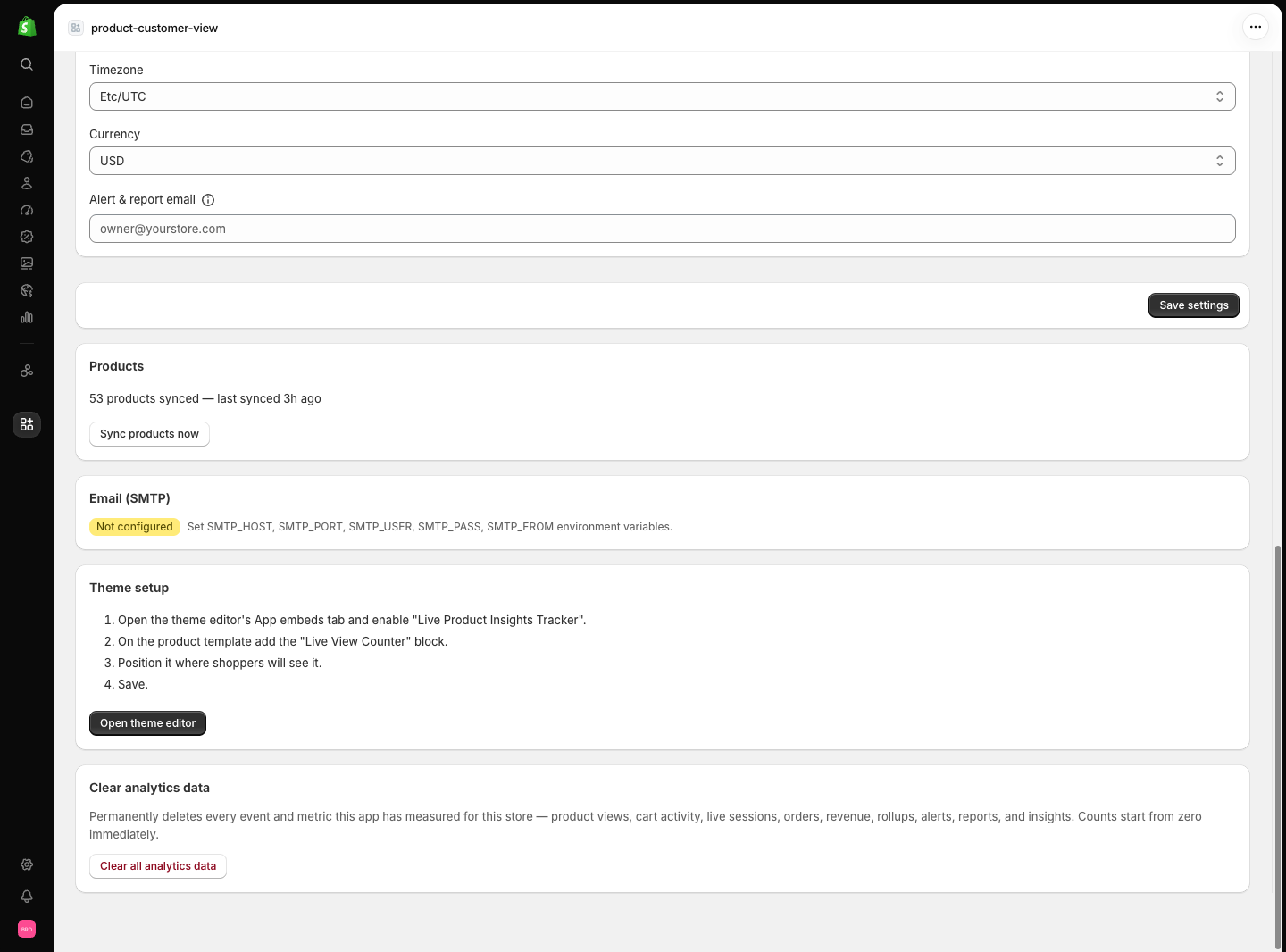
Sync products now
Pulls your current catalog — titles, variants, prices, and stock — from Shopify into the app. Run this once after installing; after that, product and inventory changes sync automatically through Shopify webhooks.Clear analytics data
In the danger zone, behind a confirmation dialog. This permanently deletes all measured data for this store: product events, visitor sessions, active viewers, cart links, orders, daily summaries, and insights. It keeps your settings and the product catalog cache. This cannot be undone.Related pages
- Theme setup — the storefront side these settings control.
- First data — what to expect after changing tracking settings.
- Privacy — what is collected, retained, and never stored.
- Troubleshooting — when a setting looks right but data doesn’t move.