
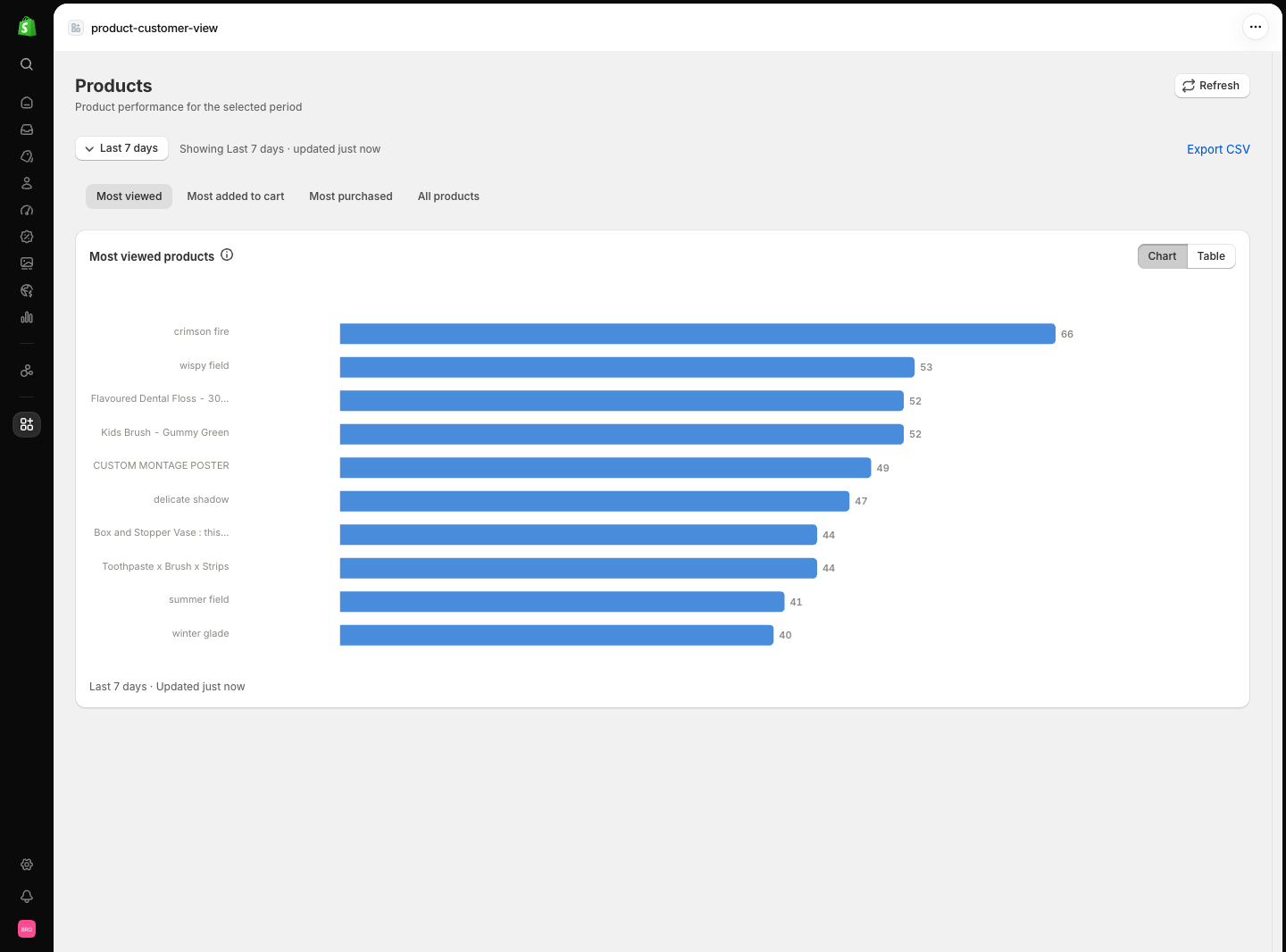
The products list
Open it from Products in the navigation menu. The page has four tabs:
The “All products” tab deliberately uses a fixed rolling 7-day velocity window so the column is comparable across rows; the page labels it as such. Purchased rankings exclude test orders unless you enable them in Settings, and cancelled orders are always excluded.
Use Export CSV to download the current tab’s numbers. The export inherits the selected window, so change the filter first if you need a different range.
Seeing “No products synced yet”? Product data comes from a catalog sync.
Open Settings → Products and click Sync products. Views and cart events
still record before the sync, but stock, categories, and product detail
pages need it.
The product detail page
Click any product to open its own page. The header shows the product title, its status badge (active, draft, or archived), and a link to view it in the Shopify admin.KPI cards
Six cards summarise the selected window: Views, View sessions, Cart additions, Add-to-cart rate, Orders, and Revenue. View sessions counts distinct shopper sessions, so it is usually lower than views — the gap is repeat traffic.Tabs on the detail page
- Overview — the interest funnel: views, cart additions, and orders side by side for the window.
- Timeline — how views and cart additions moved through the window. Windows up to three days are bucketed by hour; longer windows use daily buckets.
- Hourly — activity by hour of day in the store’s timezone, useful for spotting when this product gets attention.
- Behaviour — how shoppers engage: average views per session (repeat views), frequently viewed together products, and variant interest.
Behaviour tab details
- Frequently viewed together pairs need at least 5 sessions that viewed both products before they appear — quieter products stay out rather than guessing.
- Variant interest appears only once variant-level events are recorded. Until then the section shows an honest “no variant-level events yet” state instead of estimates.
Related pages
- Insights — findings built from these per-product signals.
- Metric definitions — how views, sessions, and rates are calculated.